 Estimating Edge’s team of experienced construction professionals and software engineers have developed the industry’s smartest takeoff and estimating software solutions for competitive estimates.
Don’t just estimate faster. Estimate better.®
- /
- /
- /
Invert
How to Use Invert
Overview:
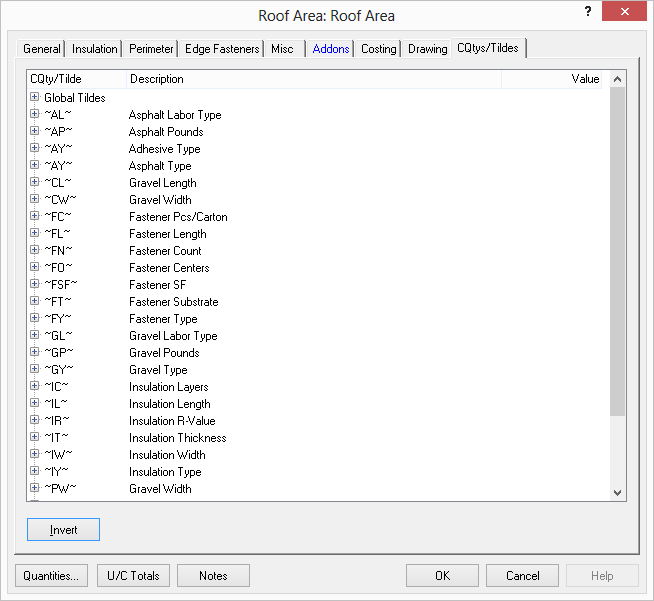
This CQty/Tilde dialog is programmed to show a tree with CQty’s listed first, and the related Tildes second. However, if you press the Invert button, it will show the Tilde Codes first and the applicable CQty’s second.
standard view:
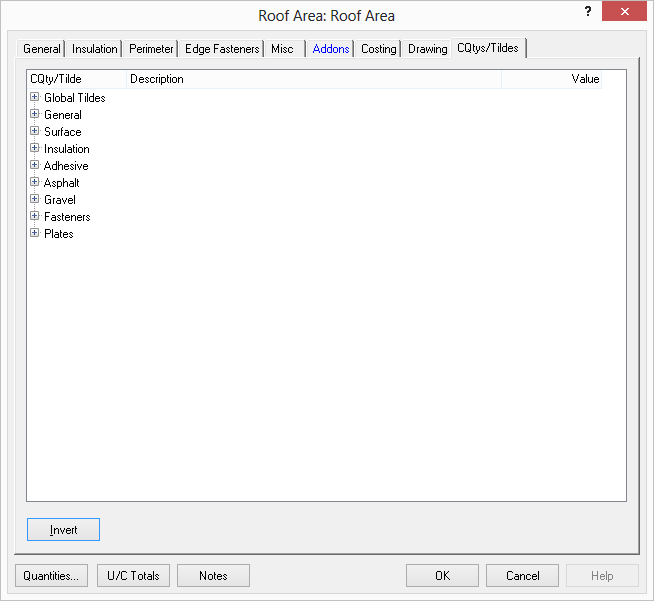
inverted view: